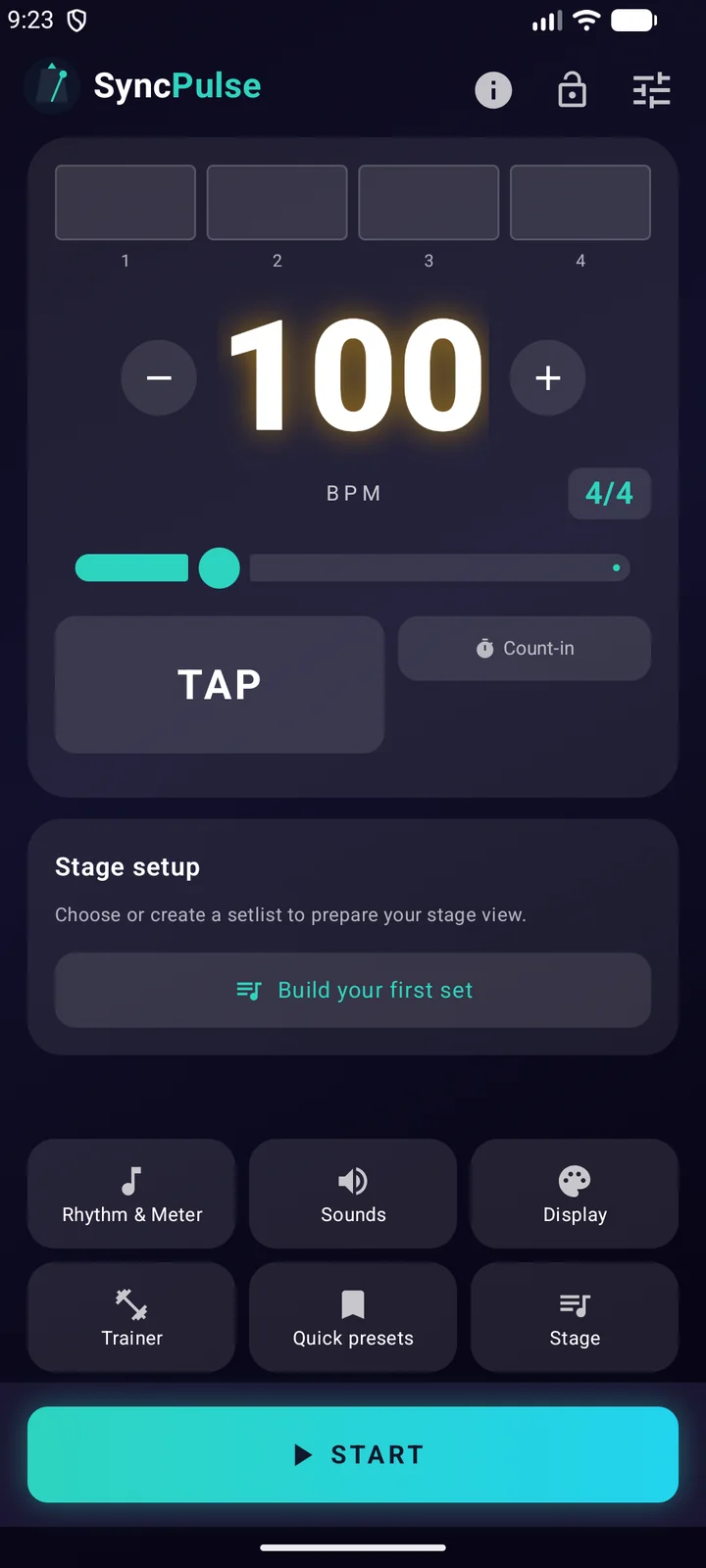
From a straight click to complex rhythm
Set 30 to 300 BPM, use decimal tempos, choose standard or complex meters and add eighths, triplets, sixteenths, swing, shuffle, odd subdivisions, custom patterns or polyrhythms.
Shape every beat
Set accents and volume per beat, choose separate sounds for the main beat, accents and subdivisions, or use the visual-only mode when you do not want audio.
Practise your internal time
Use the tempo trainer to raise or lower BPM after a chosen number of bars, or let the silent-bar trainer remove the click and test whether you stay in time.
See the pulse clearly
Beat bars, animated subdivisions and count-ins make timing visible. The same metronome remains at the centre when you later add a setlist, overlay or connected equipment.
FAQ
Can I see the beat over another app?
Yes. Enable the floating overlay and grant Android's permission to display over other apps. You can then see the visual beat while using another app. This describes the current Android version.
Can I use SyncPulse to practise on my own?
Absolutely. Use the metronome, subdivisions, accents and tempo trainer for individual practice. You do not need to join a band session.
Can I use a footswitch or MIDI equipment?
The Android app supports configurable footswitch actions and MIDI clock output over USB or BLE MIDI. Compatibility depends on your controller, connection and receiving equipment; test your setup before a performance.
Put it into practice
How to practise with a metronome: three timing exercises
Try three metronome exercises for steadier timing: a slow pulse, gradual tempo changes and silent bars. Includes a 10-minute Android practice routine.
Read the guideScreenshots on this page use the same language as the page.